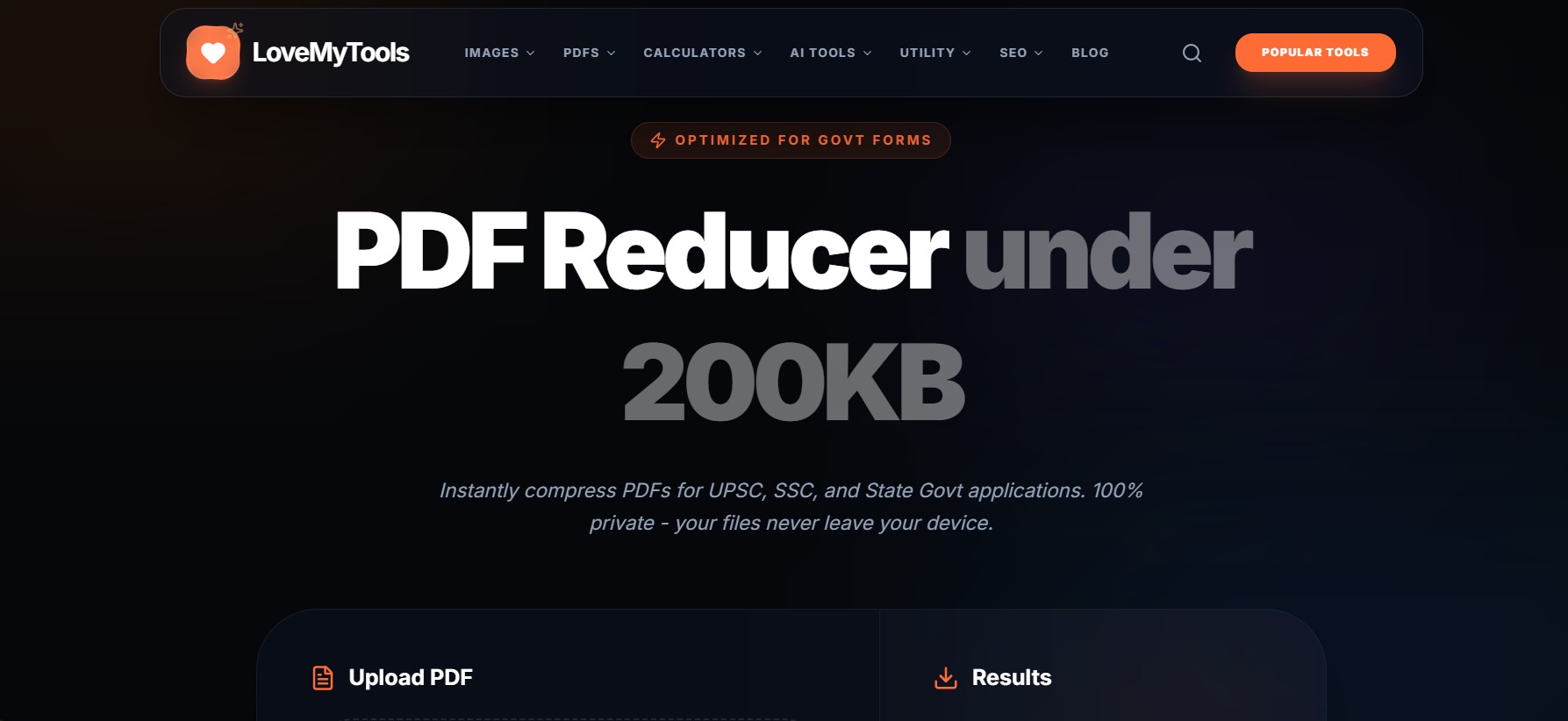
Large PDF files can be a headache—especially when you need to upload them quickly or send via email.
Let’s simplify the process.
Why PDFs Become Large
- High-resolution images
- Embedded fonts
- Uncompressed scans
Method 1: Compress PDF Online
Using tools like your PDF Reducer, you can:
- Shrink file size instantly
- Maintain readability
- Avoid installing software
Method 2: Remove Unnecessary Elements
Before compression:
- Delete blank pages
- Remove duplicate images
- Optimize fonts
Method 3: Convert & Re-save
Sometimes converting PDF → JPG → PDF reduces size.
But be careful:
- May reduce quality
- Not ideal for text-heavy files
Method 4: Adjust Image Quality
Lower image DPI:
- 300 DPI → 150 DPI
- Significant size reduction
When Quality Matters
For:
- Government documents
- Certificates
- Legal files
Always prioritize clarity over size.
Final Thoughts
Reducing PDF size is all about balance.
Use smart compression instead of aggressive reduction.