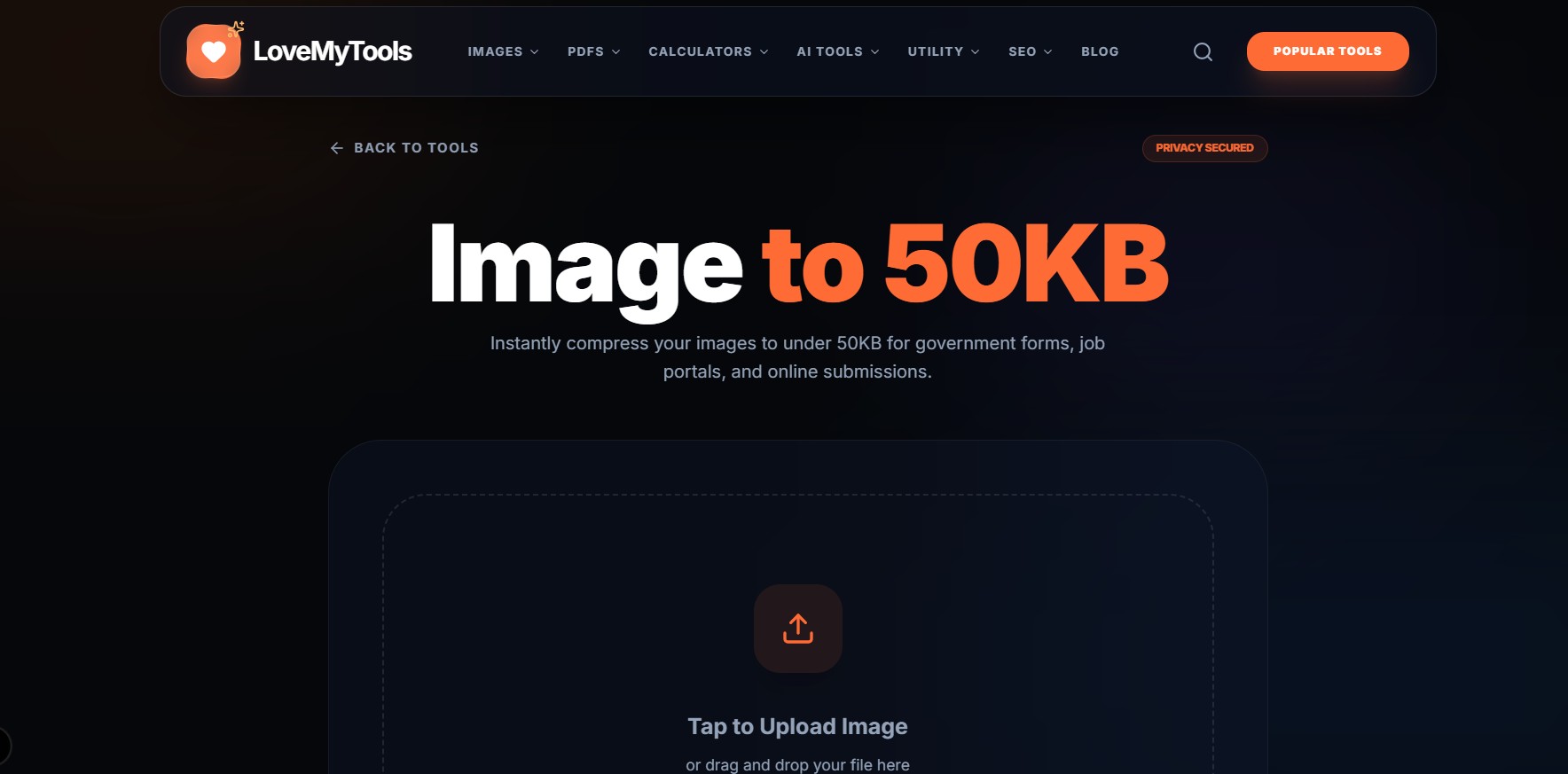
Uploading images for forms like SSC, UPSC, or job applications can be frustrating—especially when there’s a strict size limit like 50KB. Many users struggle with blurry images, rejected uploads, or tools that ruin image quality.
Let’s fix that.
Why Do You Need 50KB Images?
Most government portals and job application websites have strict file size rules to:
- Save server storage
- Ensure faster uploads
- Maintain uniform formats
But they don’t care how hard it is for users.
Common Problems People Face
- Image becomes blurry after compression
- Size reduces but dimensions get distorted
- Online tools add watermarks
- File format issues (JPG vs PNG)
The Right Way to Compress Images
Instead of randomly using tools, follow this proper method:
Step 1: Choose the Right Image
Start with a clear, high-resolution image.
Low-quality images will look worse after compression.
Step 2: Resize Before Compressing
Most people skip this step.
- Ideal size: 600x600 or 800x800 px
- Smaller dimensions = easier compression
Step 3: Use Smart Compression
Use a tool that balances:
- Quality
- File size
- Format optimization
Your tool like Image to 50KB on lovemytools.com can do this efficiently.
Step 4: Select JPG Format
JPG is best for:
- Photos
- Profile pictures
- Documents
PNG should be avoided unless transparency is needed.
Tips to Maintain Quality
- Keep brightness and contrast balanced
- Avoid over-sharpening
- Don’t compress multiple times
When 50KB Still Doesn’t Work
If your image is still above 50KB:
- Reduce dimensions slightly
- Lower quality to ~80%
- Convert PNG → JPG
Final Thoughts
Image compression doesn’t have to be complicated. With the right steps and tools, you can easily meet size requirements without sacrificing quality.
If you’re applying for jobs, exams, or uploading documents regularly, mastering this skill will save you a lot of time.